Whiteboard basics
Every tool on the whiteboard toolbar, from pen and sticky notes to LaTeX formulas, embeds and an in-board video call.
Whiteboards are an infinite canvas you and your students can draw on together. Create one from the Whiteboards page, or add one to a lesson from inside the classroom.
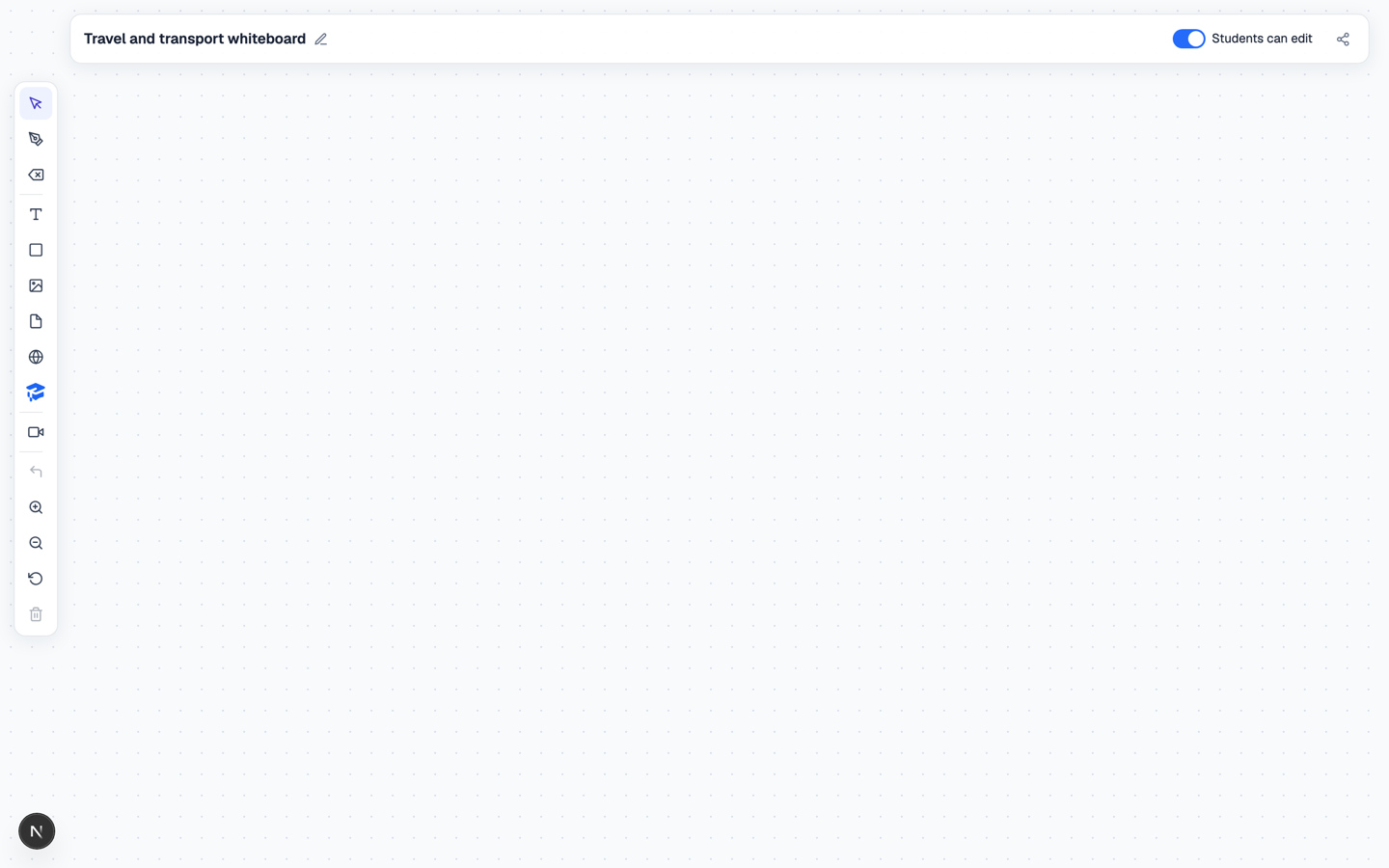
The toolbar
Along the bottom of the rail: Undo, Zoom in / Zoom out, Reset canvas view, Delete selected object and Clear board.
Naming and sharing
Click the title at the top to rename the board. On the right are Students can edit — the difference between a shared canvas and a presentation — and Copy share link.
Unlimited whiteboards are included on every plan, including Lite.
Related
- Using whiteboards in a lesson
- Lesson links and guest access