Messaging your students
Direct one-to-one chat between staff and students, and when to use it instead of lesson chat.
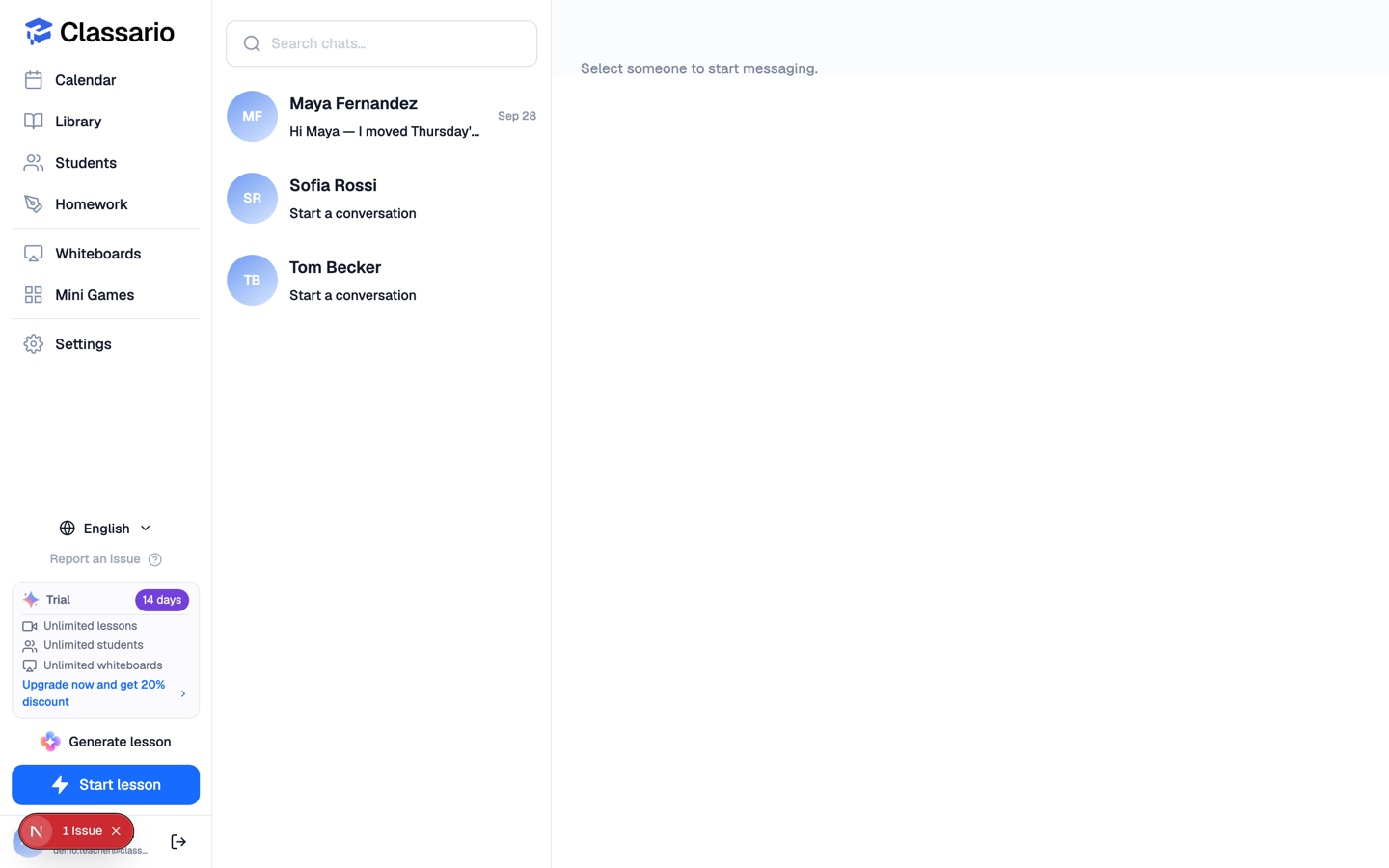
Messages in the sidebar is a direct, one-to-one chat — the place for "can we move Thursday?" rather than anything tied to a particular lesson.
Starting a conversation
Open Messages and pick a person, or press Start chat on a student's card. Messages arrive in real time — no refreshing.
Who can message whom
- Staff see their students.
- Students see the staff who teach them.
- Tutors are limited to the students assigned to them.
Students cannot message each other, which keeps a school-owned tool from becoming a social network.
Messages or lesson chat?
Classario's Settings has an Email Notifications section, but those switches are not yet wired up: Classario does not currently email students about new messages. Say anything time-critical in the lesson as well.